
Internet Archive Update
1. Overview and Context
This procedure updates the GoogleBooks table in the SQL Database.
2. Triggers
The execution of this procedure is usually triggered by
3. Steps to Be Performed
3.1 Download
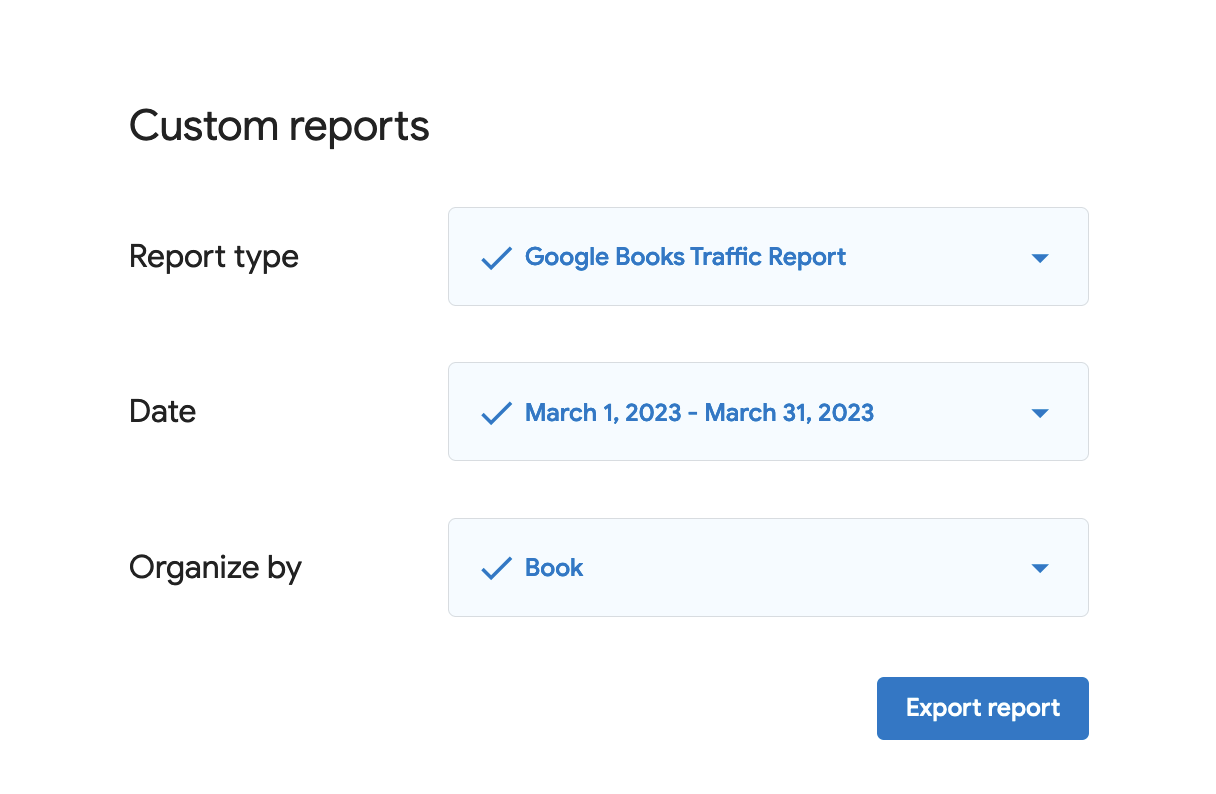
Google Books usage data are available via the Google Play Books Partner Center.
3.2 Clean
- Delete header
- Append 1 column to the left, add date in YYYY-MM-01 format
- save as XLS
- re-export as CSV
3.3 Upload
- Upload into phpMyAdmin table "GoogleBooks"
4. Additional Information
5. Document Control
| Document ID | PRO-040 |
| Document Owner | Vincent |
| Version | 1.0 |
| Last Date of Change | March 26, 2026 |
| Next Review Due Date | |
| Version & Change Tracking |