
New Client
In order to create an invoice you either need to select an existing client or create a new one.
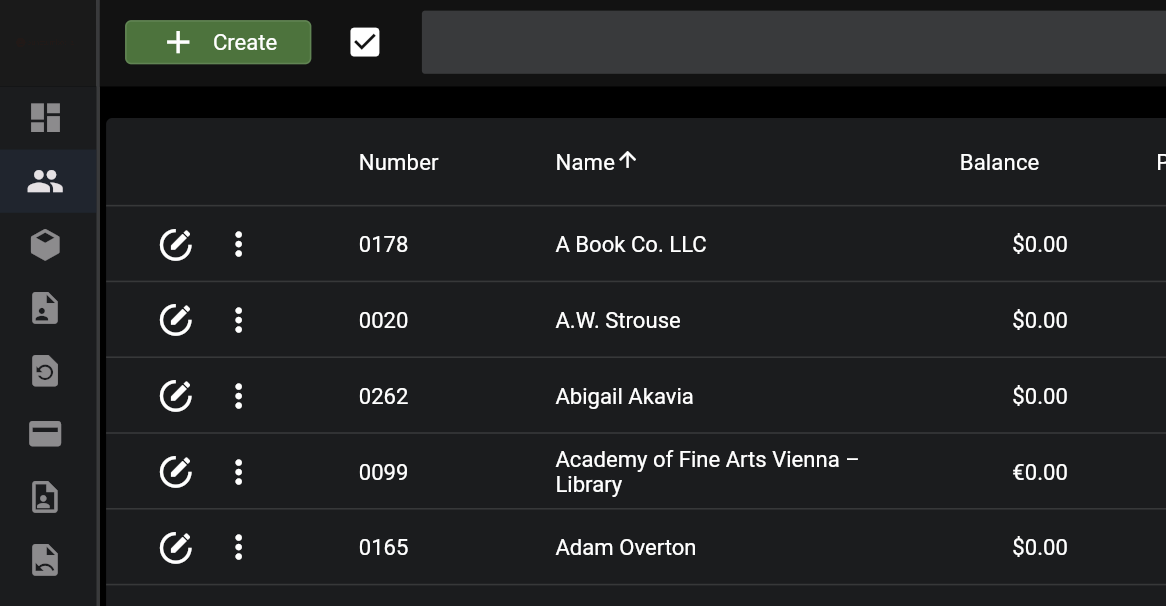
This will create a new client record.
At minimum, fill out the following fields:
Optional, in case available or necessary for client:
In order to create an invoice you either need to select an existing client or create a new one.
This will create a new client record.
At minimum, fill out the following fields:
Optional, in case available or necessary for client: